


Can I use this sunscreen every day?

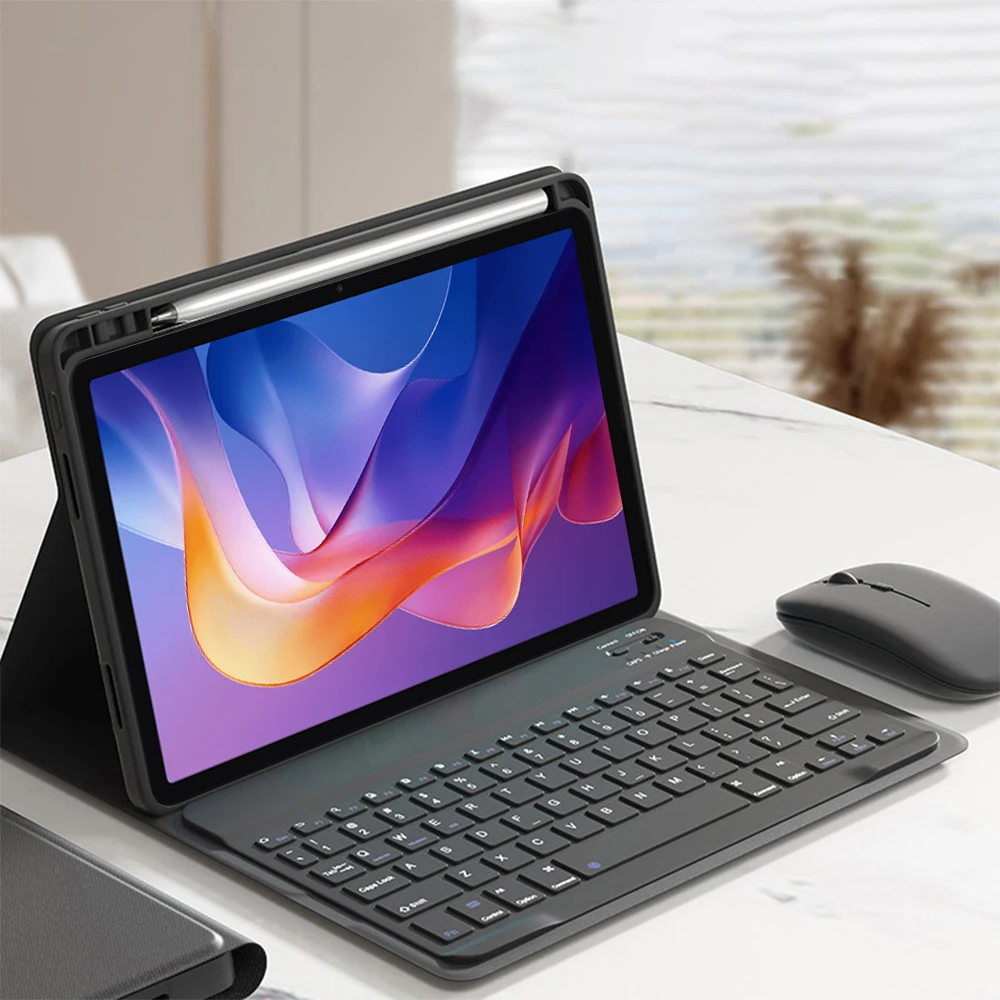
Keyboard Case for Xiaomi Redmi Pad 2 Case, Keyboard Cover For Redmi Pad 2 11-inch Tablet Case Wth Pencil Slot
Redmi Pad 2 11-inch / Black Backlit 1 / China Mainland|Russian
€26,19
Skip to product information


Keyboard Case for Xiaomi Redmi Pad 2 Case, Keyboard Cover For Redmi Pad 2 11-inch Tablet Case Wth Pencil Slot
€26,19
SPECIFICATIONS
Application Laptop Size: 11"
Battery Included: Yes
Brand Name: HUAIBX
Choice: yes
Compatible Brand: Xiaomi
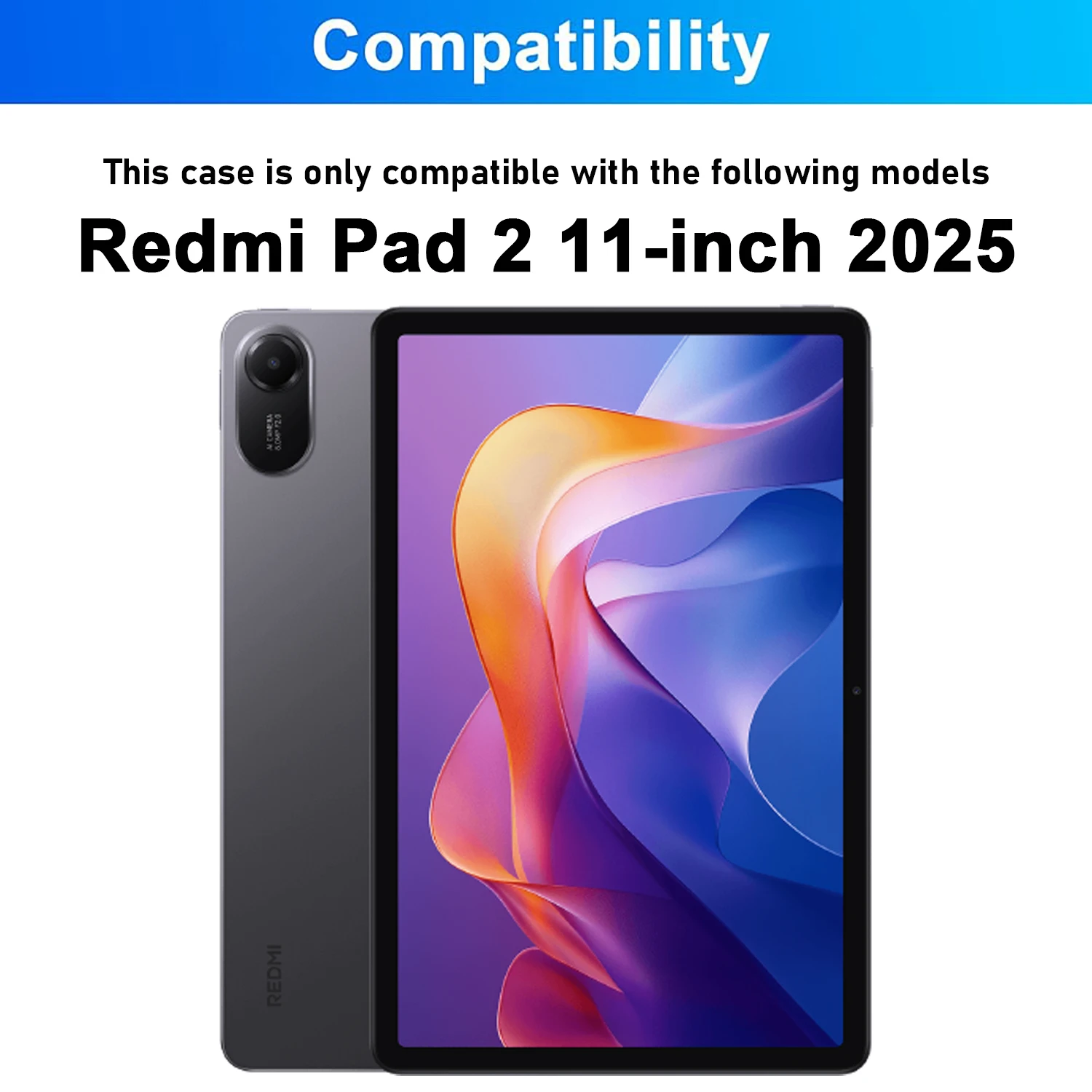
Compatible Model: Redmi Pad 2 11-inch 2025
Feature: Waterproof,Anti-Dust
High-concerned chemical: None
Material: TPU
Model Number: For Redmi Pad 2 11-inch 2025
Origin: Mainland China
Package: Yes
Pattern Type: Solid
Style: fashion
Type: With Keyboard
How to verify tablet model
1. Go to the back and find your specific model.
2. Find "Settings" - Click "About" - Find "Model"
3. Please purchase the correct compatible model case according to the tablet after viewing.
The tablet case in this link is only compatible with models:
Redmi Pad 2 11-inch 2025
Note:The digital tablet and stylus are not included in the package. The detailed description is for reference only. Please refer to the actual product for the color of the product.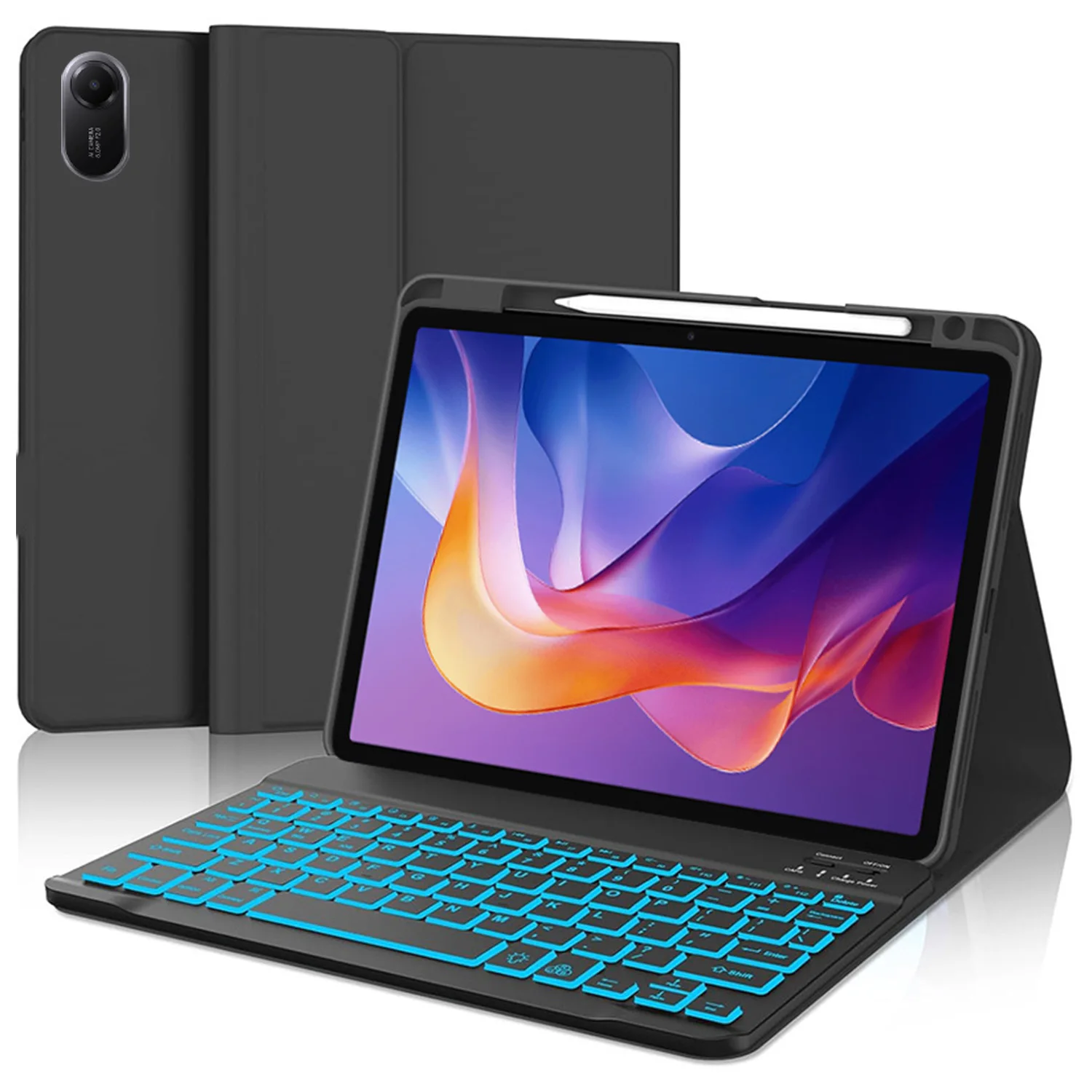
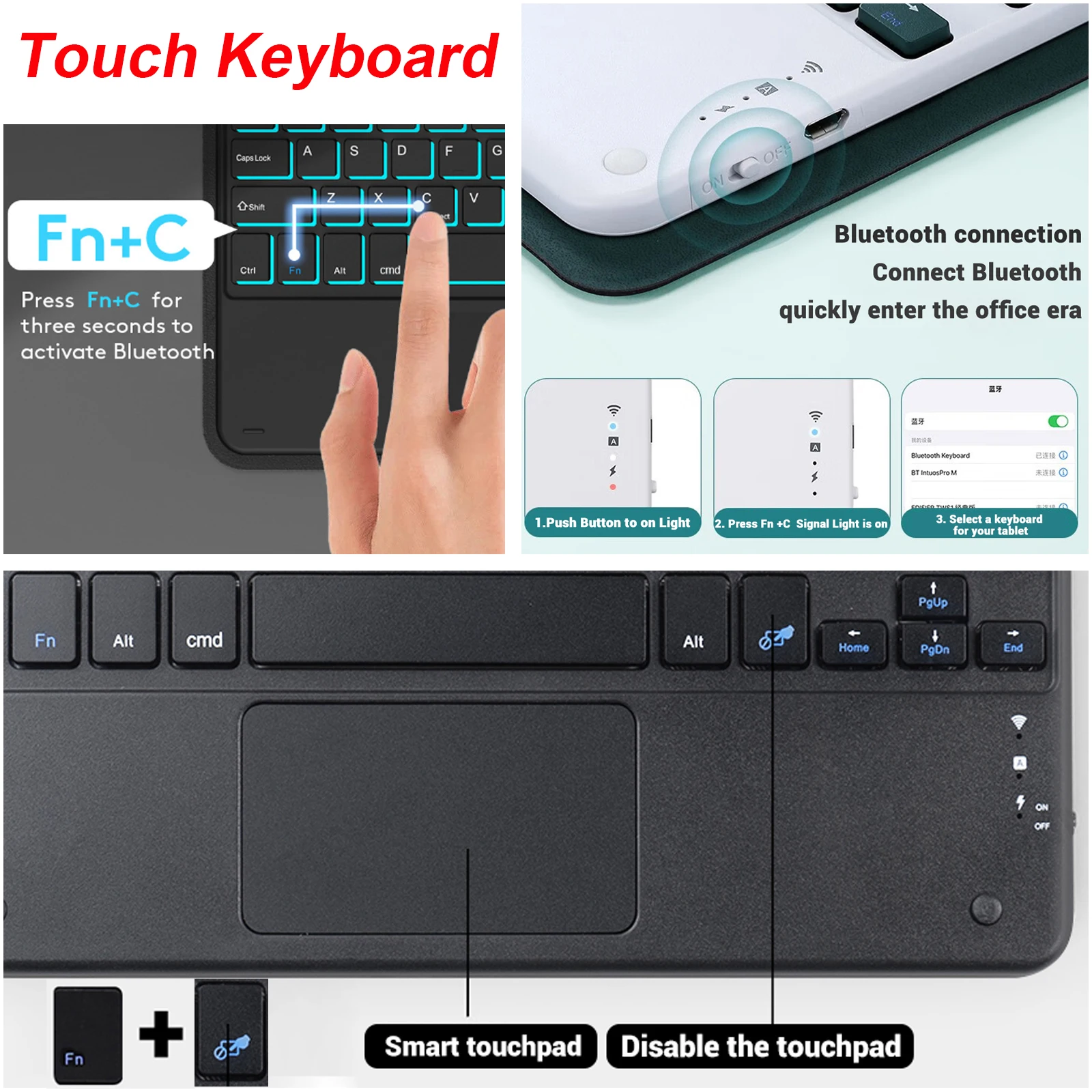
 How to connect keyboard and mouse?
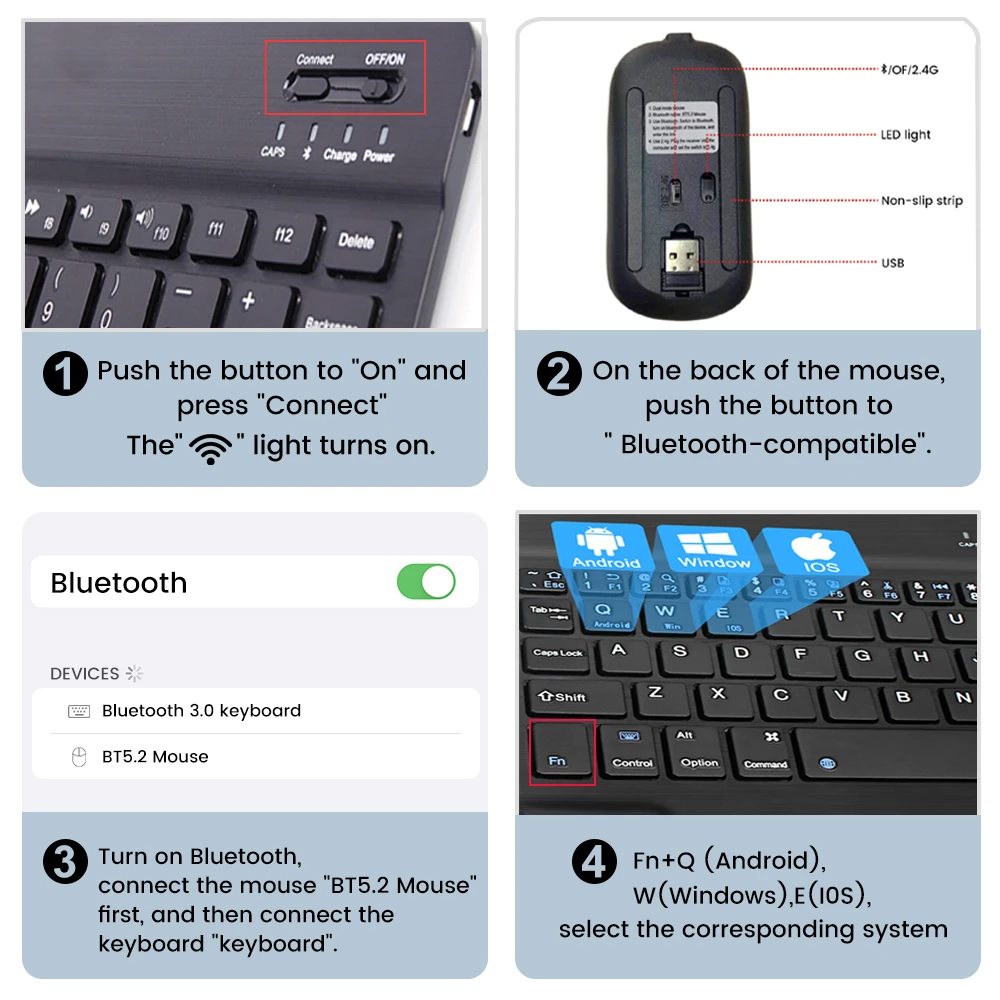
1. Connect the mouse first, then the keyboard.
2. Mouse: Push the switch to the "Bluetooth" icon and find the Bluetooth connection with the "mouse" in the device Bluetooth list.
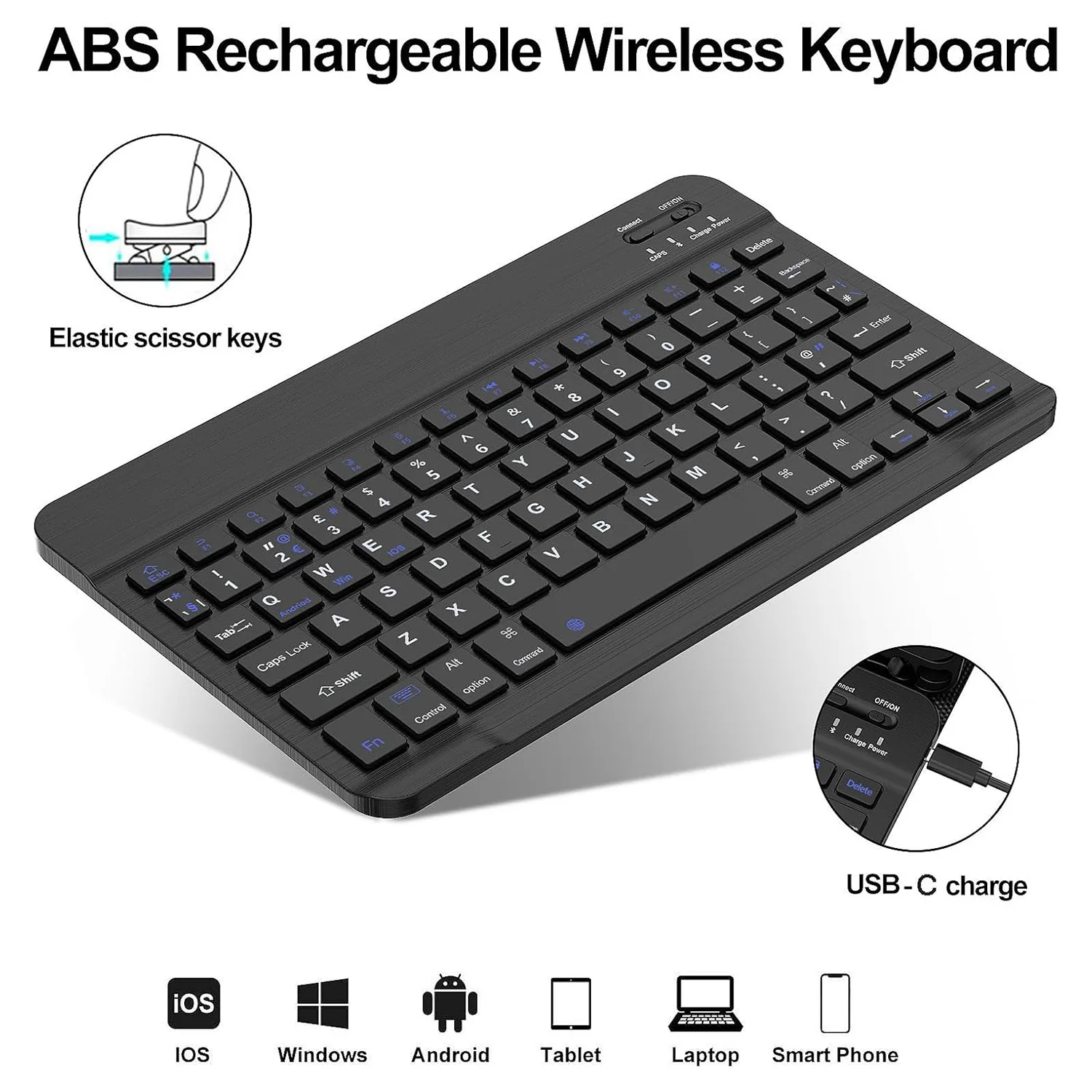
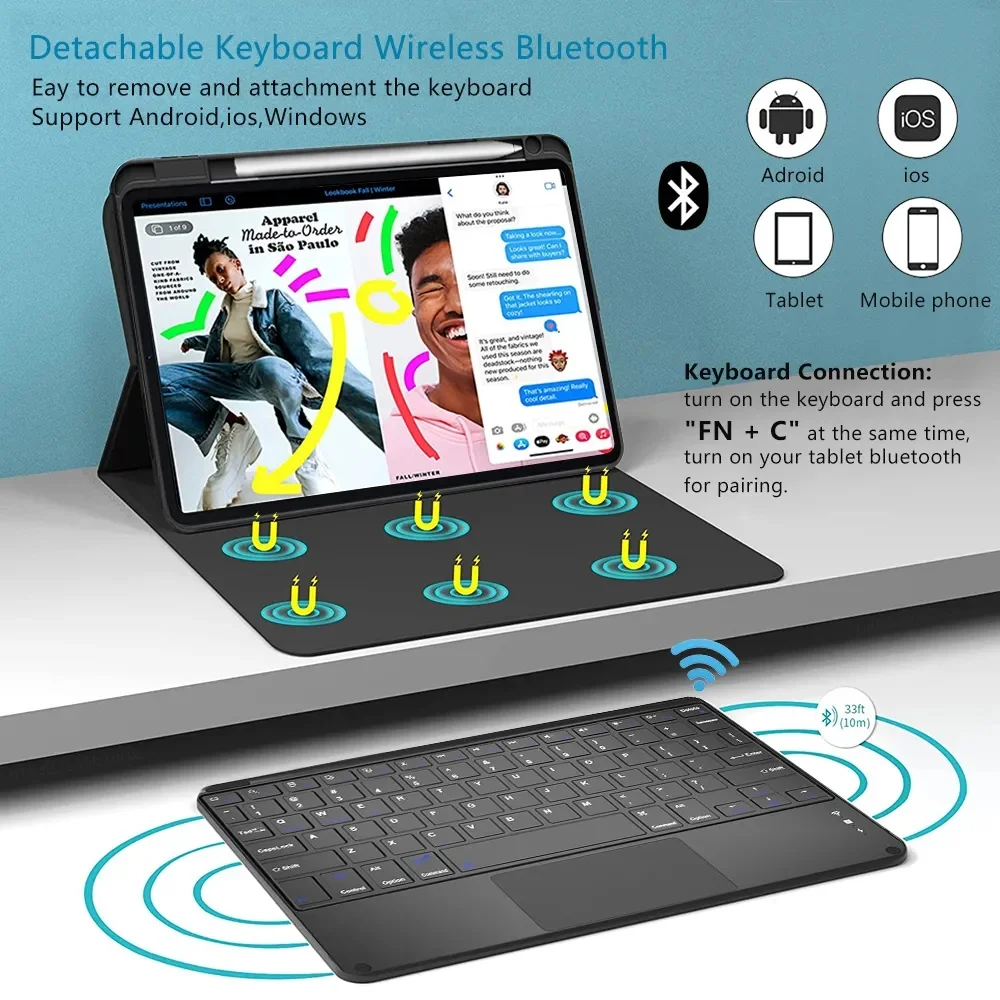
3. Keyboard: Push the switch in the upper right corner to "ON", press "Connect", and find the Bluetooth connection with "Keyboard" in the device Bluetooth list.
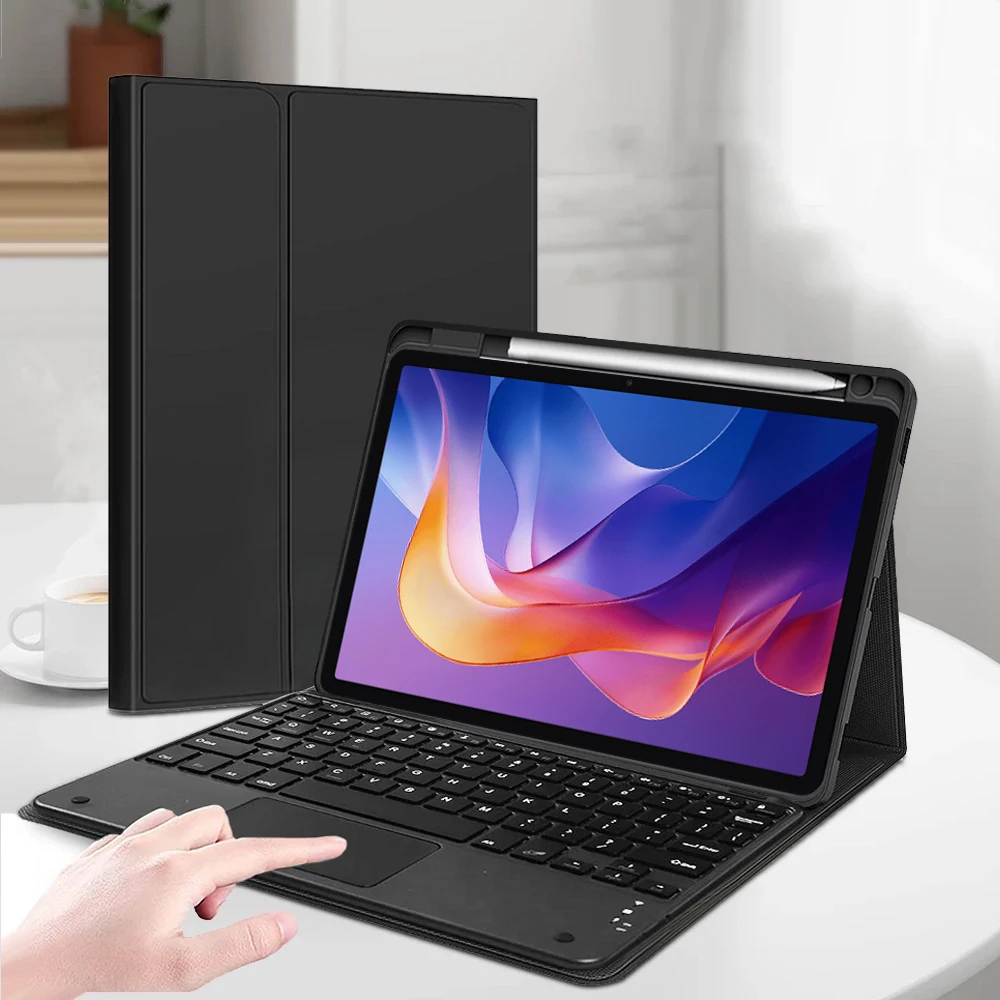
4. Touchpad keyboard: Open the keyboard, press Fn+C, and then find the Bluetooth connection with "Keyboard" in the device Bluetooth list.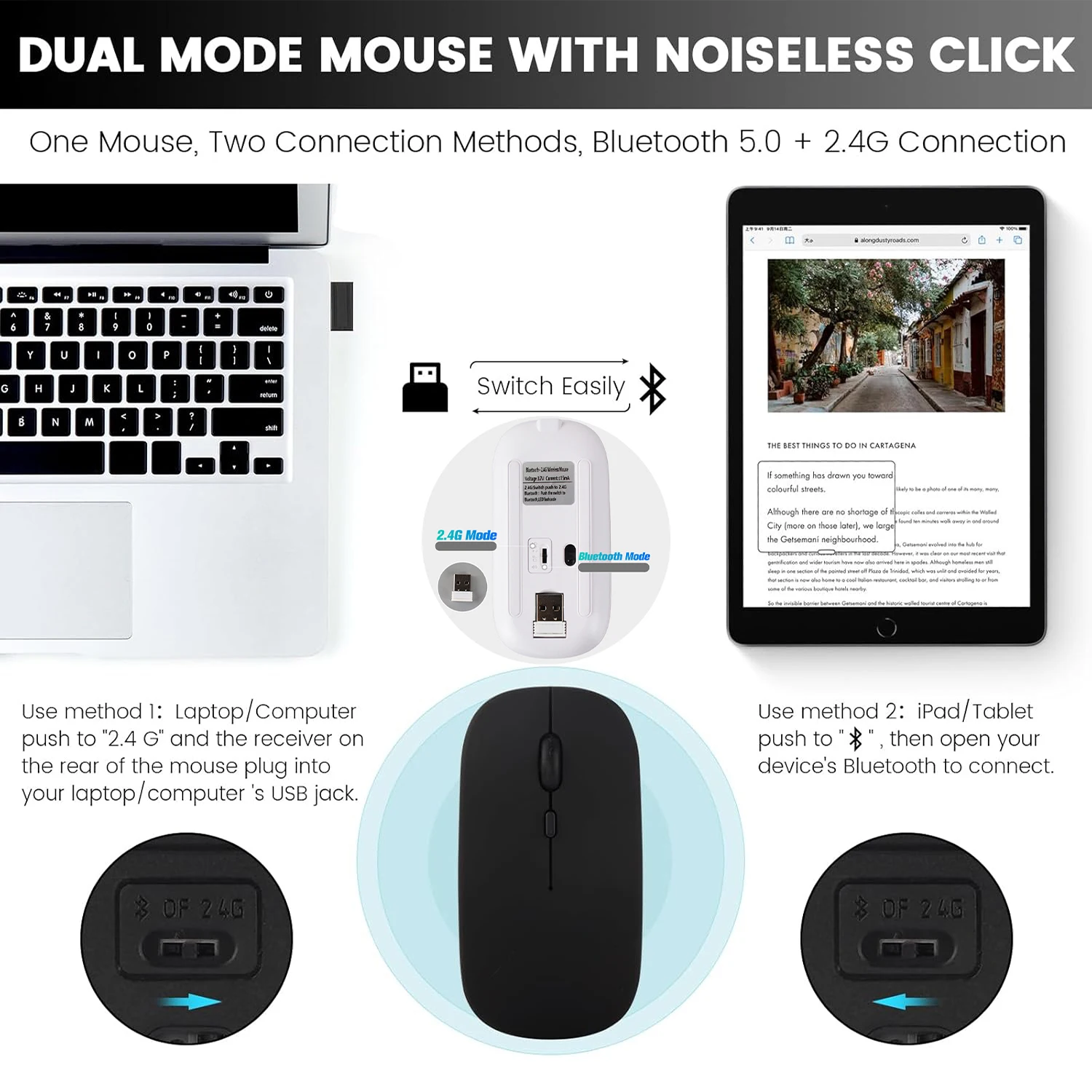
 FAQ
Q:What should I pay attention to when connecting the mouse for the first time?
A:When the mouse is connected for the first time, you need to press the left button, the right button and the scroll wheel at the same time for about 3-5 seconds.
Q: Is the scroll direction of the mouse USB connector and Bluetooth connection the same?
A: No, they are different. When using the USB connector, the scroll wheel slides in the same direction as the computer mouse. Bluetooth connection is the opposite.
Q: How to switch between different systems?
A: Fn+Q=Android, Fn+W=Windows, Fn+E=IOS.
Please note that please switch the system before connecting the tablet.
Q:The bluetooth keyboard letters are messy?
A: Please check the settings according to the prompts,
a. Check whether the keyboard language set on the device is English.
b. Disconnect the keyboard Bluetooth, click Ignore the connected device, reopen the Bluetooth keyboard, select system, Fn+E (IOS system).
Note: Fn+Q=Android, Fn+W=Windows, Fn+E=IOS
c. Press the L S Z buttons at the same time to reset the keyboard
Q:How to configure the input method for different languages keyboard?
A:Take the samsung tablet as example,open "Settings--"ystem"--"Language & input"--"Add New Keyboard". (For other systems, please set them in the system settings according to the tips of the iPad example.)
Q:How does the mouse change teh scroll wheel sliding direction on the device?
A: The mouse is connected, open "General" - "Trackpad & Mouse" - close "Natural Scrolling".
Powered by skin-loving ingredients

Lemon Extract
Brightens and refreshes tired, dull skin

Centella Asiatica
Soothes and supports skin recovery

Zinc Oxide
Shields skin from harmful UVA and UVB rays

Hyaluronic Acid
Deeply hydrates and locks in moisture

Vitamin E
Protects skin from environmental stressors
How to use GemShield sunscreen
Start with clean skin
Apply a generous amount evenly on clean skin before sun exposure for daily protection

Keep protection active
Reapply every two hours especially after sweating swimming or towel drying to maintain protection

Make it a habit
Use every morning as the final step of your skincare routine for best long term results

What our customers are saying


See the difference clearly
Compare GemShield with others and discover better protection and comfort


