


Can I use this sunscreen every day?

Internetinė kamera
C980pro 4K Webcam / Brazil
€100,19
Skip to product information


Internetinė kamera
€100,19
SPECIFICATIONS
Auto Focus: No
Brand Name: EMEET
Certification: CE,FCC
Emeet Model: C980pro4K
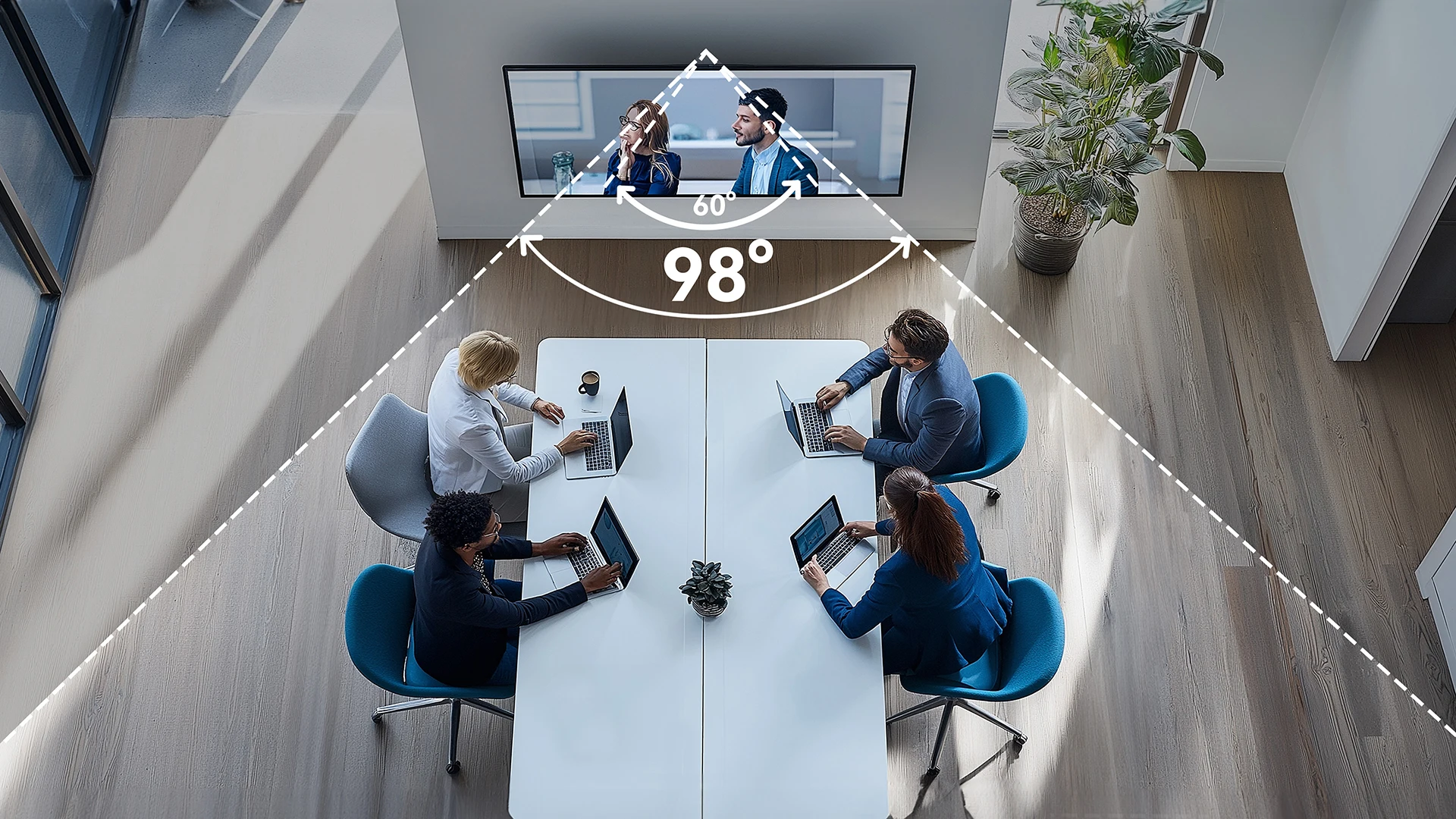
FOV: Adjustable from 60° to 98°
Image Sensor: CMOS
Interface Type: USB
Max. Resolution: 3840x2160
Origin: Mainland China
Package: Yes
Pixels: 8 Mega
Zoom type: Digital zoom
EMEET C980Pro 4K Webcam
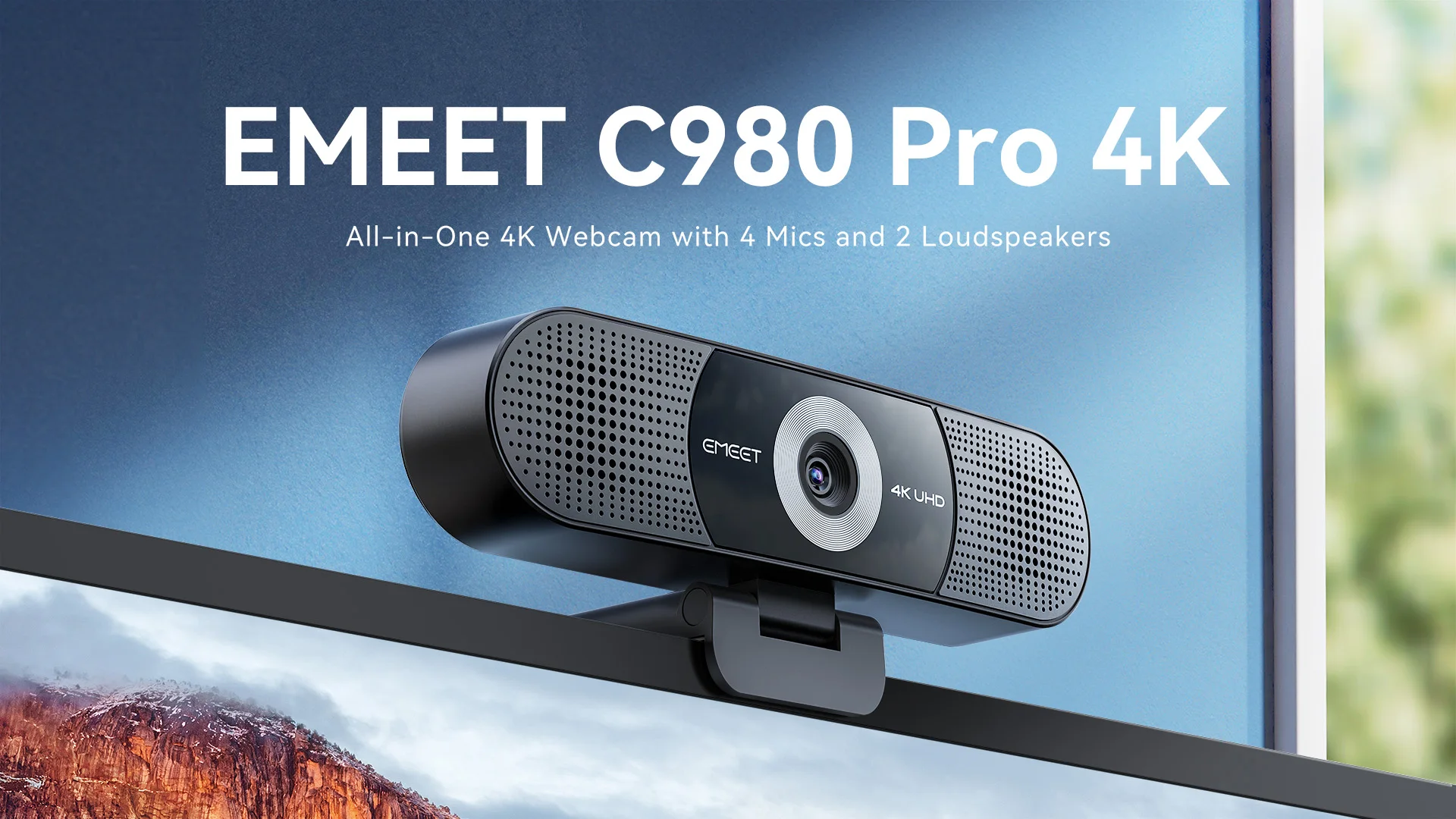
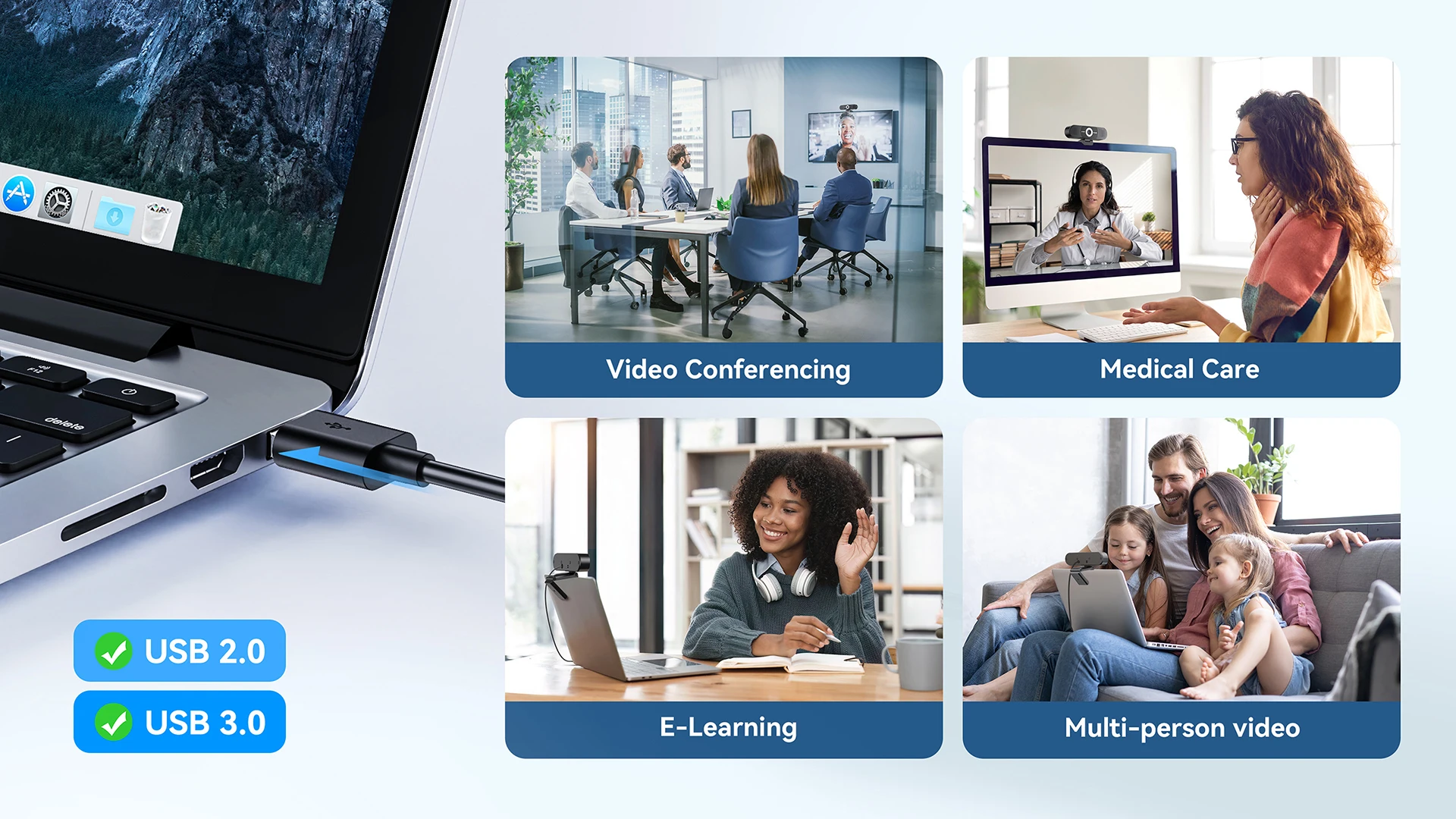
All-in-one 4K webcam with 4 noise-canceling microphones, and 2 loudspeakers. Ideal for any kind of video call such as video conferencing, online teaching and tele health care, etc., with its broad compatibility and ease of use.
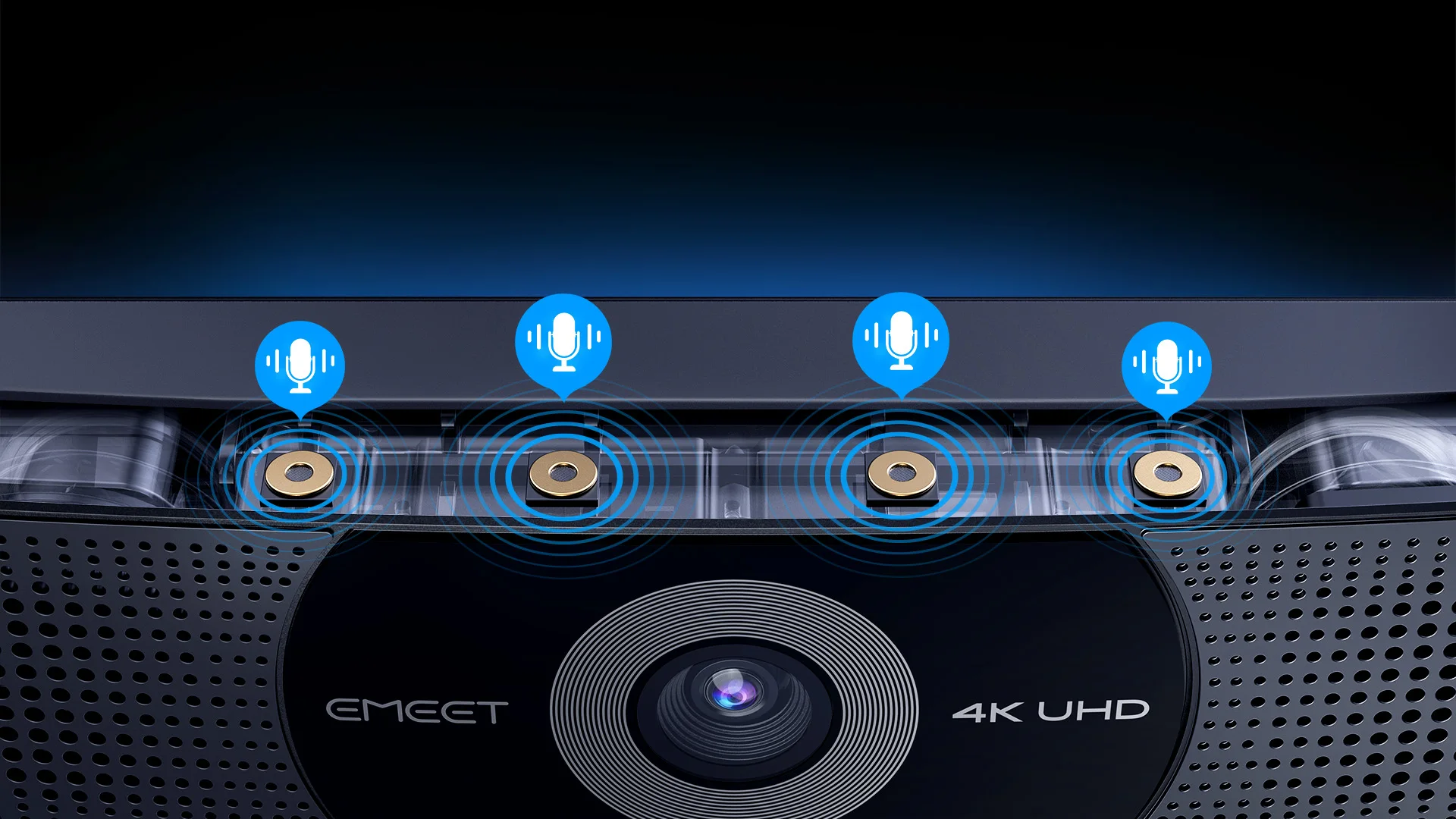
4 Noise-Canceling Microphones
4 omni-directional microphones pick up voices effectively within 2 meters while depressing the background noise and eliminating echo with our exclusive DSP algorithm, reproducing your voice clearly to the other side.
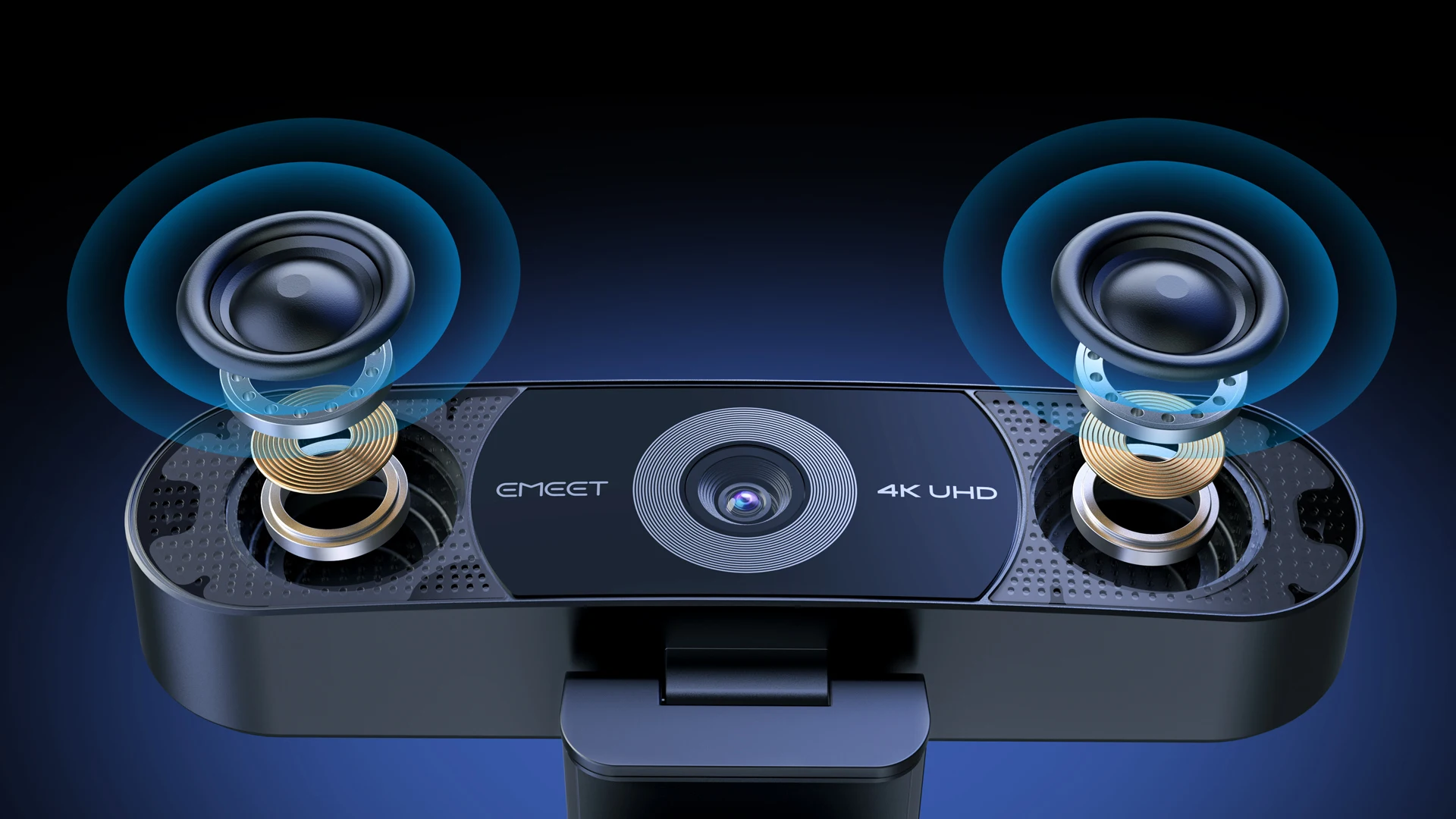
2 Loudspeakers
Two 1W loudspeakers deliver loud and clear sounds up to 81dB, enabling you to catch every single speech from the other end.
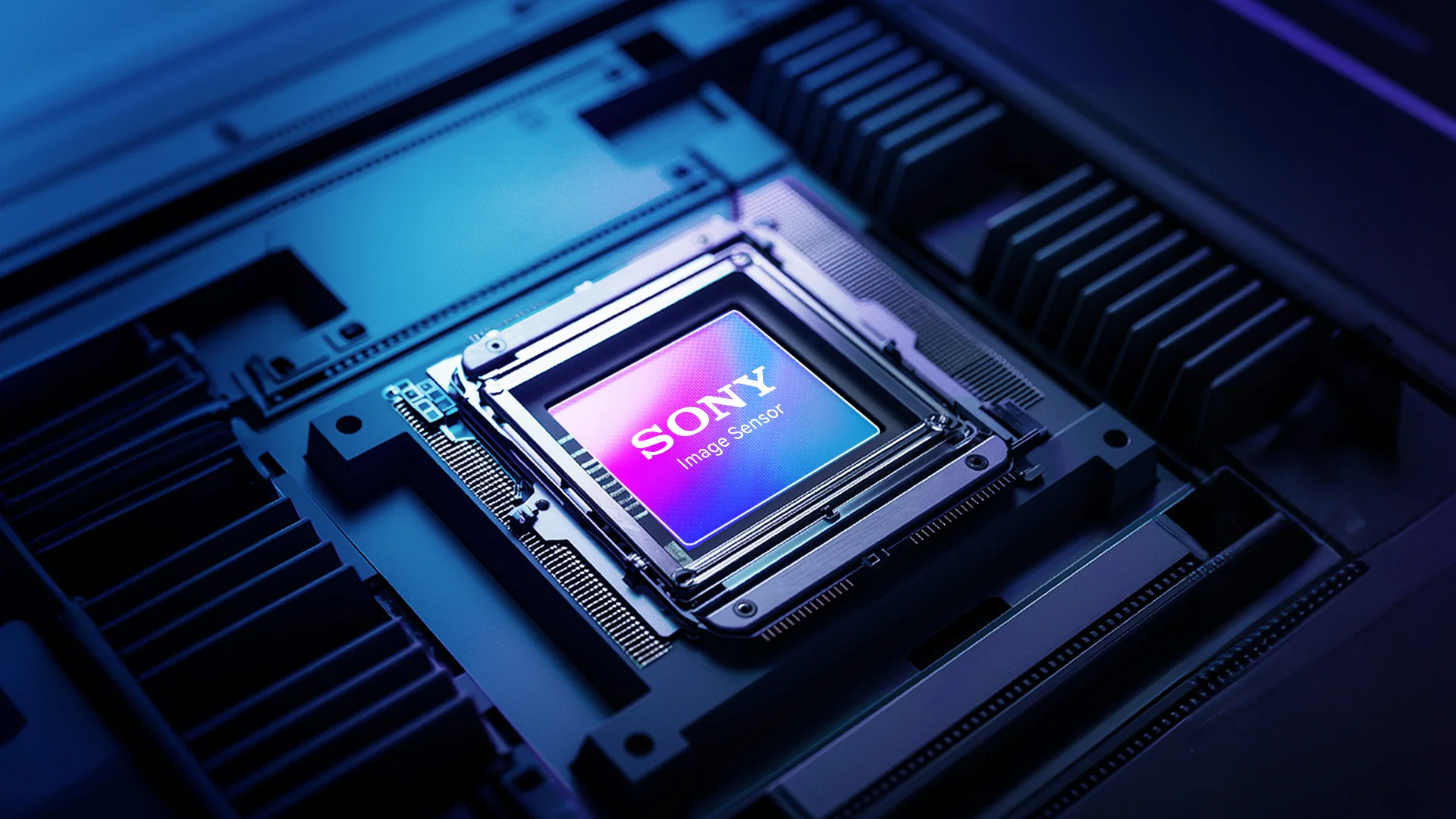
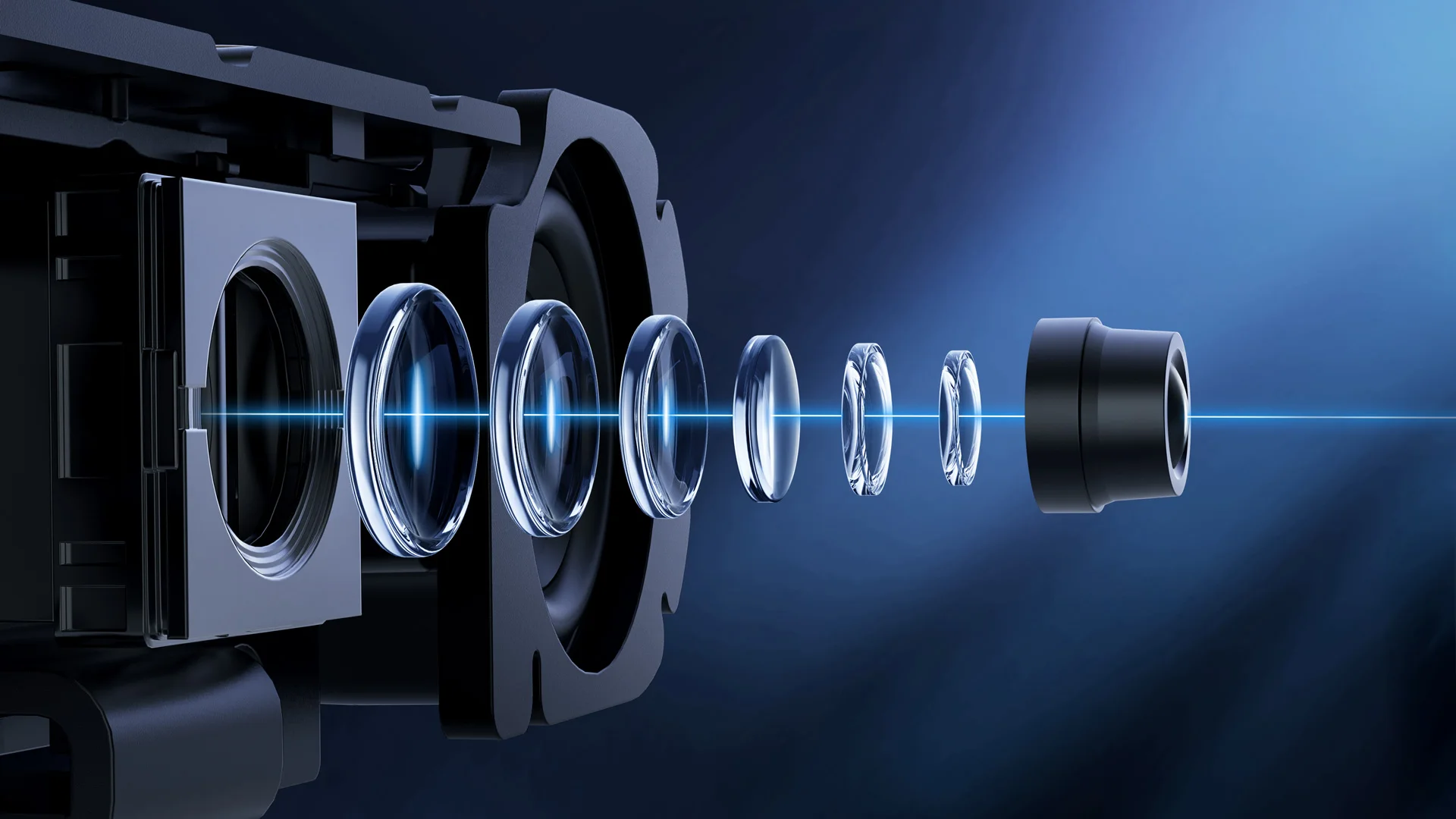
Sony Sensor
Experience clearer and focused images thanks to the larger sensor
UHD 4K Resolution
Show yourself even better and clearer under the UHD 4K resolution
Adjustable 60° to 98° Field of View
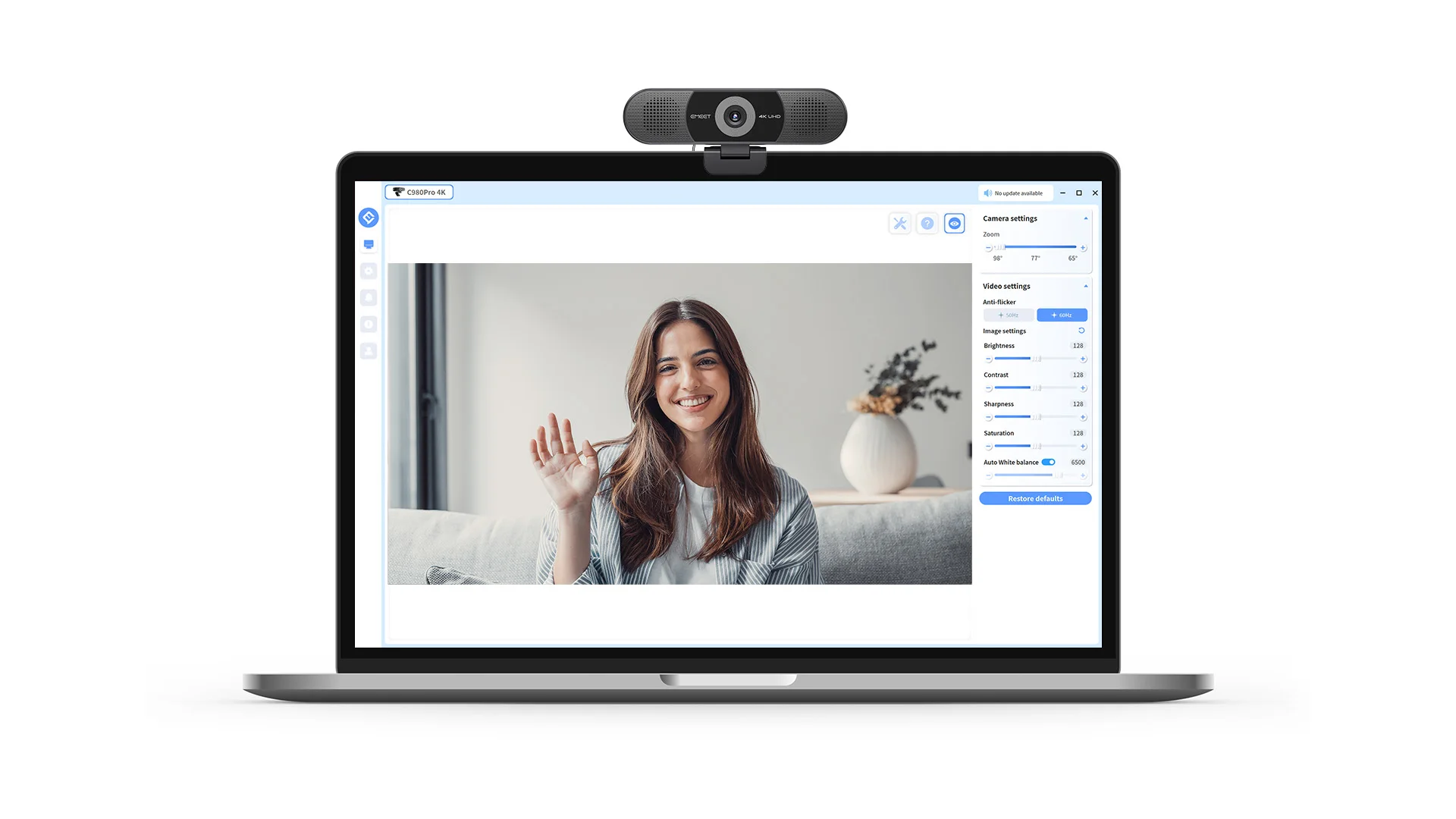
Select the perfect FoV from 60° to 98° freely in EMEETLINK according to your needs
Physical Magnetic Privacy Cover
Comes with a magnetic privacy cover. Shield the lens by simply placing the cover on the lens for absolute security and peace of mind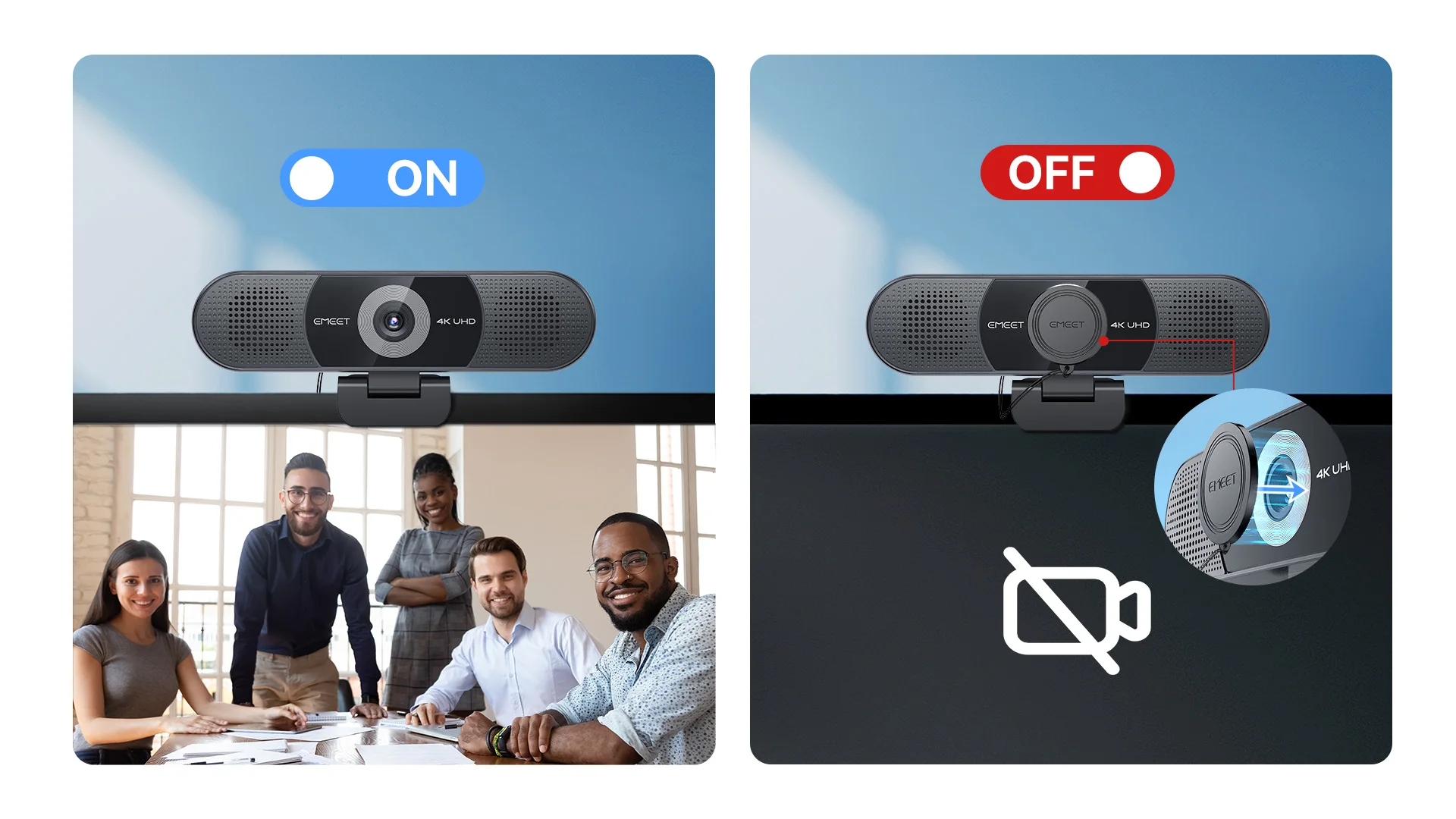
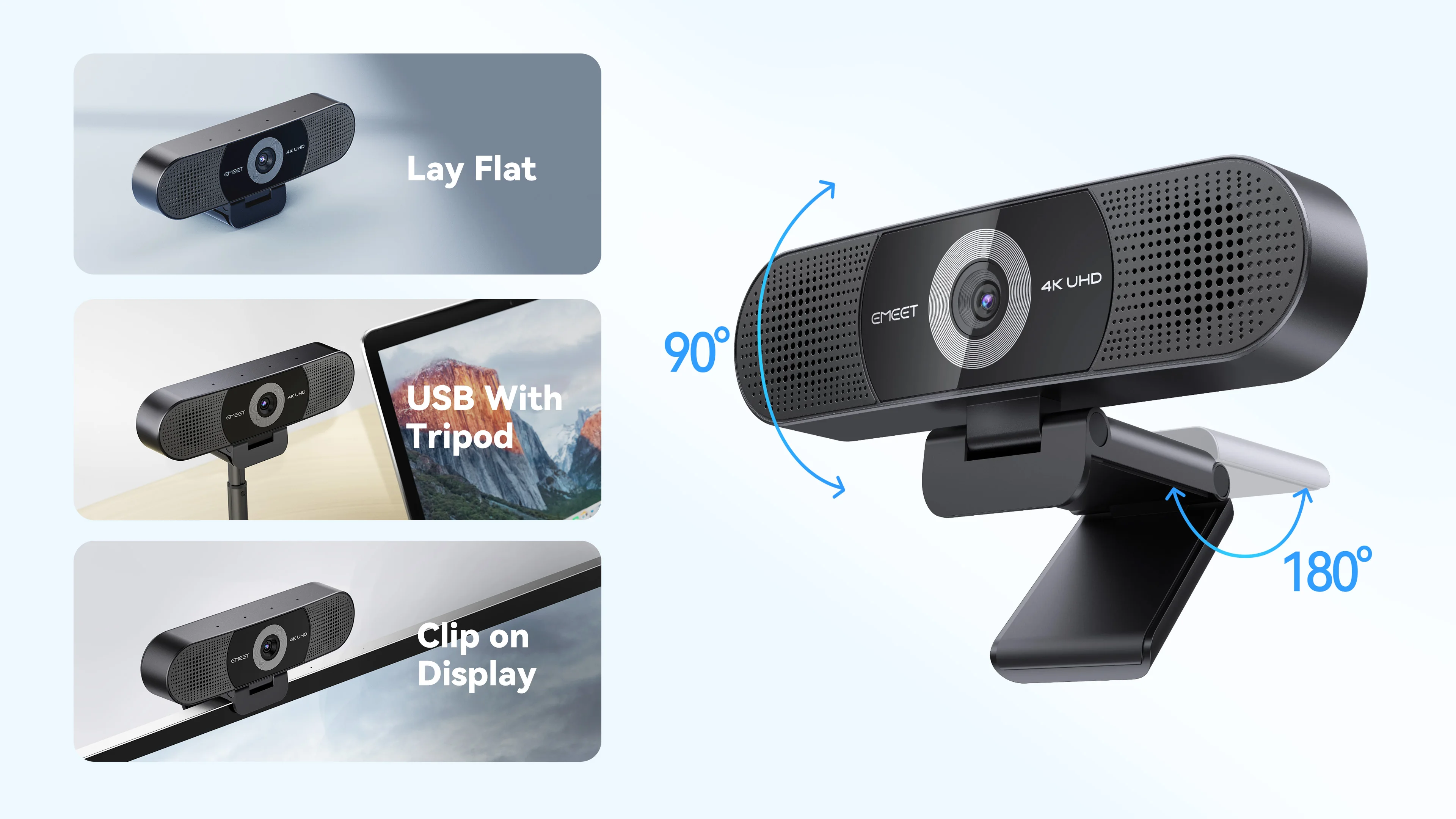
Various Mounting
Leave it on top of your table, clip it tightly on the monitor or mount it steadily on a tripod, just choose the most suitable way for you to meet multi-scenario needs
Plug and Play
Simply plug the C980 Pro 4K into your PC via USB-A (USB2.0 or USB3.0)and join meetings immediately. Say goodbye to system crash problems when using cumbersome old machines caused by high power consumption thanks to the compact all-in-one yet low-power consumption device
Broad Compatibility
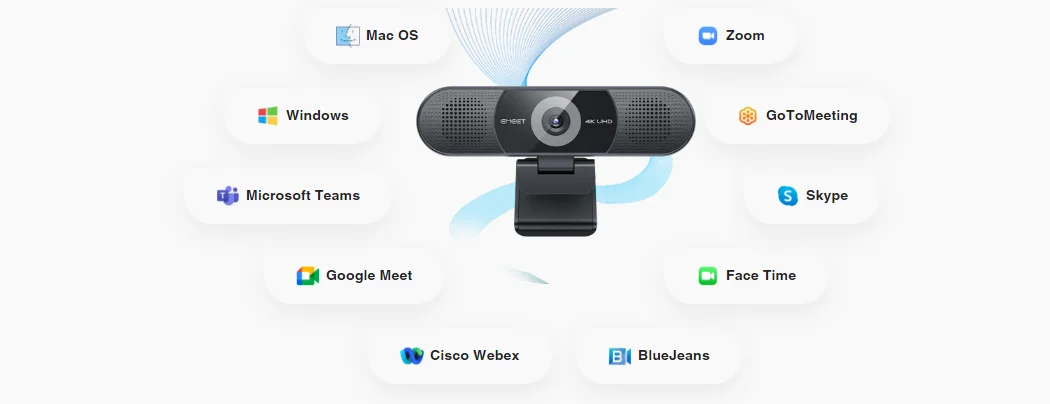
Compatible with Windows and macOS and works with mainstream meeting platforms such as Zoom, Microsoft Teams and Skype for Business and more
Better With EMEETLINK
Easily manage your EMEET devices with EMEETLINK. Change parameters and upgrade firmware to let it get smarter
Powered by skin-loving ingredients

Lemon Extract
Brightens and refreshes tired, dull skin

Centella Asiatica
Soothes and supports skin recovery

Zinc Oxide
Shields skin from harmful UVA and UVB rays

Hyaluronic Acid
Deeply hydrates and locks in moisture

Vitamin E
Protects skin from environmental stressors
How to use GemShield sunscreen
Start with clean skin
Apply a generous amount evenly on clean skin before sun exposure for daily protection

Keep protection active
Reapply every two hours especially after sweating swimming or towel drying to maintain protection

Make it a habit
Use every morning as the final step of your skincare routine for best long term results

What our customers are saying


See the difference clearly
Compare GemShield with others and discover better protection and comfort


